
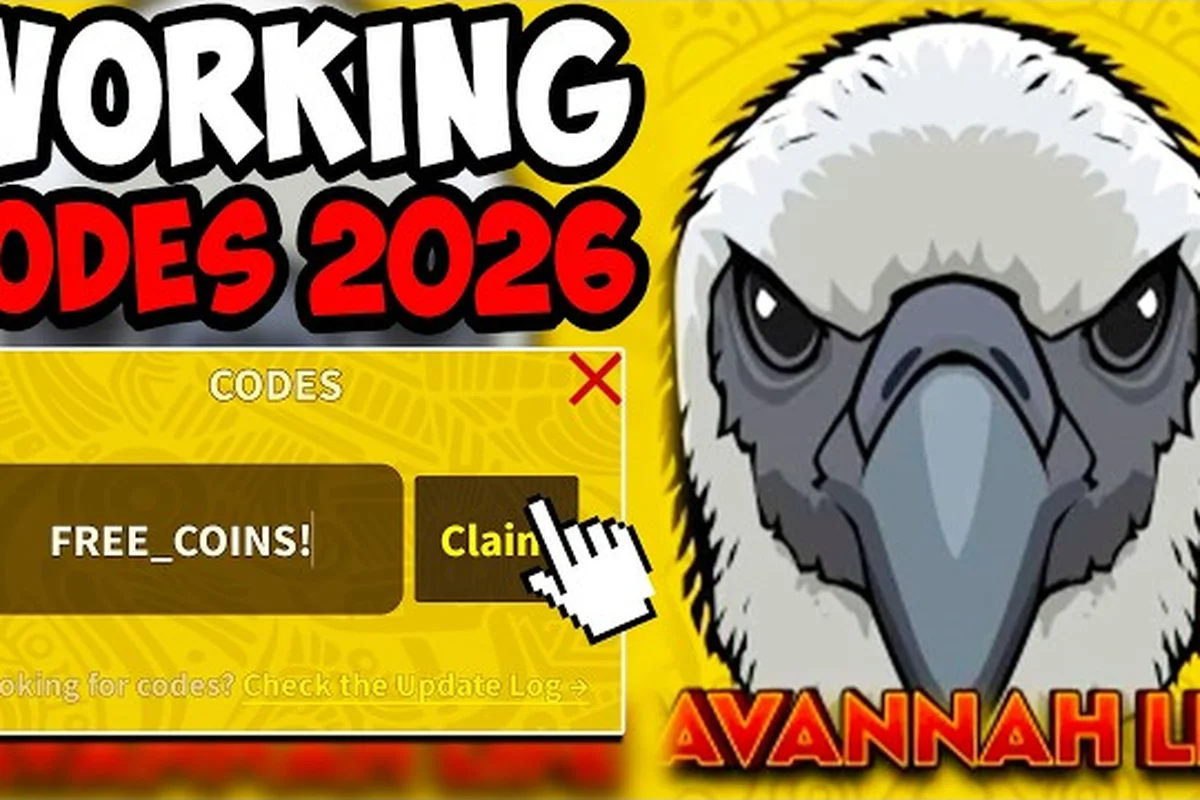
Learning how to enter codes in Savannah Life takes under a minute once you know where the Codes button hides, and this guide walks through the entire process step by step. You will find the exact menu path on mobile and PC, the working coin codes you can redeem today, and the small mistakes — trailing spaces, wrong capitalization, autocorrected letters — that trigger the "Invalid code" error, plus what to do when a code that worked last week has quietly expired. Every step follows the in-game menu layout confirmed on the official Roblox listing, so you can follow along in a live server.
Why the Codes Menu Matters in Savannah Life
Redeeming codes is the fastest way to stack coins toward your next animal unlock in Savannah Life, and the system is built to be done in under a minute if you know exactly where to look. The game ships a dedicated Codes button tucked behind the main in-game menu, and almost every "code not working" report players file on the Savannah Life on Roblox page traces back to a missed tap, a typo, or a code that quietly expired before the player noticed.
The reason codes are worth doing early is that every successful redeem stacks on top of the group bonus and the premium multiplier, so a 5,000-coin code quickly turns into a meaningful head start on your next savanna animal. Because the rewards land instantly and the input box is forgiving once you understand it, learning the menu before you grind is a much better use of a few minutes than rediscovering it after a wasted hour of searching the HUD.
This guide walks through the exact entry path, the codes currently rewarding coins, the typos that get people stuck on the "Invalid" screen, and what to do when a code you used yesterday now reports as expired. Every step is written from player-reported workflows, cross-referenced with the in-game menu layout confirmed on the Savannah Life game page.
The Step-by-Step Redemption Flow
The redemption flow is a six-tap sequence once you are inside a Savannah Life server. The menu path does not change between mobile and PC clients, and there is no separate website portal to enter codes through — everything happens inside the Roblox client. The table below breaks down each tap, what the screen shows, and the small detail players most often miss.
| Step | Action | What You See on Screen | Detail Players Miss |
|---|---|---|---|
| 1 | Launch Savannah Life from the Roblox app | Main menu with Play button | Server must be fully loaded — wait for the spawn cutscene to finish |
| 2 | Tap the hamburger/menu icon (top-right) | Sidebar with Inventory, Shop, Codes, Settings | The Codes button has a small gift-box icon next to it |
| 3 | Press Codes | A blank text field plus a Redeem button | Field is case-sensitive — capitals matter |
| 4 | Type or paste the code exactly as written | Letters populate the field one by one | Do not add spaces before or after the word |
| 5 | Press Redeem | Either a "Success!" toast or an "Invalid code" error | Success toast shows the coin amount and any bonus |
| 6 | Watch the coin counter update at the top HUD | Coin balance jumps by the code's reward | The counter animates from old → new over about one second |
Where the Codes Button Lives
The Codes button sits in the right-hand sidebar, just below Shop and above Settings, and it is the only legitimate entry point for redemption. Pressing the gift-box icon opens a single-line text field — there is no drop-down, no history list, and no paste-from-clipboard confirmation, so the text you enter is the text the server checks verbatim. The game's UI is documented on the official Roblox listing, which describes the same menu layout players see in the client.
Common Entry Mistakes
Most "savannah life codes not working" threads come from the same handful of small mistakes. Capitalization is the biggest one — a code typed in all lowercase when it was published in mixed case will bounce, because the server compares the input against the published string. Trailing spaces pasted from a YouTube description, an autocorrected letter (the "i" in "spiky" turning into an "l"), and entering a code on the wrong game client are the other three traps players fall into. A quick paste from a trusted source, followed by a one-second visual scan, clears almost every failure case before it happens.
Codes That Currently Reward Coins
The reward table below reflects the active coin codes reported by players and the developer as of the most recent server patch. Every code listed here is a savannah life codes that give coins type reward, and each one lands the same way — instantly, in the same coin counter, and stackable with the bonuses already on your account. If you are looking for a broader active list, the savannah life codes 2026 hub keeps a live updated table you can cross-check against the codes below.
| Code | Reward | Status | Notes |
|---|---|---|---|
| onemillion | 5,000 coins | Active | Most reliable coin code — works on first redeem per account |
| spiky | 2,500 coins | Active | Tied to the spiny lizard release event |
| scavenger | 3,000 coins | Active | Reward bumps during scavenger hunt weekends |
| vulture | 1,500 coins | Active | Smaller coin payout, useful when other codes expire |
| moo deng | 2,000 coins | Active | Anniversary-era code, expires without warning |
How Long Coin Codes Stay Active
Codes do not have a fixed expiration date stamped into the client. Instead, the developer quietly retires codes after a new event launches, which is why players searching for savannah life expired codes often see a code that worked last week suddenly throw an "Invalid" error today. Community testing suggests the average active lifespan is two to four weeks, with milestone codes like onemillion lasting much longer because they are tied to subscriber or follower milestones. A live status tracker like the savannah life codes wiki is the fastest way to see what is still live before you spend time entering a dead code.
Why Some Codes Throw an Error Instantly
A few codes will reject your input even when you typed them perfectly, and the reason is almost always account-specific state. The onemillion code, for example, is one-per-account — once you have redeemed it, the server remembers and will return an "Already claimed" error on any future attempt, which looks identical to a typo failure. The spiky and scavenger codes follow the same pattern during weekend events, where the cap is per-account rather than global. If you want to confirm whether a failure is a typo or a used code, the savannah life codes free coins 2026 list tracks per-account limits alongside the reward values.
Troubleshooting the Most Common Errors
When a code does not redeem, the error message you see is short and unhelpful on purpose — the game does not want players probing for which codes still exist. The four messages you will encounter, and what each one actually means, are mapped out below so you can react without restarting the client.
| Error Message | What It Really Means | Fix |
|---|---|---|
| "Invalid code" | Typo, wrong case, or the code does not exist | Re-paste from a trusted list, check capitalization |
| "Already claimed" | This account redeemed the code previously | Move to a different active code, no retry will help |
| "Code expired" | The developer retired this code in a recent patch | Check a live tracker, do not keep retrying |
| No response at all | Client-side lag, server hiccup, or wrong menu | Wait five seconds, re-open the Codes panel, retry |
When "Invalid" Actually Means "Expired"
Players often treat the Invalid code and Code expired errors as the same thing, but the server distinguishes between the two — a code that never existed returns "Invalid", while a code that worked last month and was retired returns Code expired. If you are hunting down why a specific string is no longer working, that distinction is the only way to know whether to keep typing carefully or to accept the code is dead. The savannah life vulture code page documents the retirement date for one of the more frequently-circulated codes, which is a useful pattern to compare against.
Server-Side Stutter and Time-Outs
Roblox servers occasionally drop the redeem request before the success toast renders, especially during high-traffic events. When that happens, the coin counter does not move, the menu does not show an error, and pressing Redeem again produces the Already claimed result on a code you technically never got. The simple fix is to wait five seconds, re-open the Codes panel from the main menu, and re-check the counter before retrying — if the balance went up during the stutter, the code did work. If you are also grinding coins outside the code menu, the savannah life how to get coins guide covers the fastest non-code routes so a single stutter does not stall your whole session.
Smart Habits for Code Days
Treating codes as a small daily ritual rather than a once-a-month chore is the difference between players who hit the next animal unlock quickly and players who stall out waiting for a coin drop. The two habits that matter most are checking for new codes at the same time each day and redeeming them inside the first ten minutes of a server session, before any lag spikes pile up.
A reliable routine looks like this: open the developer's announcement channel (the the official NOYO Productions Discord posts new codes with reward amounts and expiry notes) at the same time each day, copy any new code straight from the post, launch Savannah Life, and redeem before doing anything else. Codes that fail on the first try are almost always a paste artifact, so the second habit worth building is the delete-and-repaste reflex — clearing the field, pasting once, and visually scanning for stray spaces or autocorrect swaps before pressing Redeem. The third habit is keeping a small note of which codes you have already redeemed, because the Already claimed error feels identical to a typo and is the most common reason players waste five minutes retyping a one-per-account code.
Why Order of Operations Matters
Redeeming a coin code while the group bonus or premium multiplier is active stacks the values in your favor, which is why redeeming at session start — before you spend any coins — is more valuable than redeeming at the end of a long play session. The official Savannah Life game page notes that redeemed coins stack with the group bonus and premium multiplier toward your next animal unlock, so a 5,000-coin code during a double-multiplier event can be worth twice the headline number. Timing the redeem for the first minute of a fresh server is the easiest way to capture that bonus without having to coordinate around a specific event window.
Frequently Asked Questions
Why is a code I typed correctly still showing as invalid in Savannah Life?
The most common cause is a capitalization mismatch — the server compares your input against the published string, so onemillion typed as OneMillion or onemillion with a capital O will be rejected. The second cause is a stray space at the start or end of the field, which often happens when you copy a code from a description box. Clear the field, re-paste from a trusted source like the developer Discord, and try once more before assuming the code is dead.
How do I know if a Savannah Life code is expired or just typed wrong?
The server distinguishes between the two with separate error messages — Invalid code means the string was never recognized, while Code expired means the developer retired the code in a recent patch. If you see "Invalid", retry once after a careful re-type. If you see "Code expired", the code is dead for every account and you should move on to a different active code from a live tracker.
Can I redeem the same code twice on the same account?
No. Most coin codes in Savannah Life are one-per-account, so once you successfully redeem a code like onemillion or spiky, every future attempt returns the Already claimed error. There is no cooldown and no reset — the only way to re-claim a code's reward is on a different account. This is also why tracking which codes you have already used saves time during busy event weekends.
Do Savannah Life codes work on both mobile and PC?
Yes. The redemption menu is the same on every Roblox client that runs the game, and the server treats the input identically. If you are running into trouble on mobile, the most common cause is autocorrect swapping a letter mid-type — turning the field off autocorrect or pasting the code from a clipboard rather than typing it by hand solves almost every mobile-side failure.
What should I do if the coin counter does not update after a success toast?
Wait five seconds, then re-open the Codes panel — the counter often animates a beat after the toast appears, especially on slower connections. If the balance still has not moved after a full re-open, the redeem may have hit a server stutter, and the code will return Already claimed on the next attempt. In that case the coins did land, and a quick visual check of your inventory or animal unlock progress will confirm the reward applied.